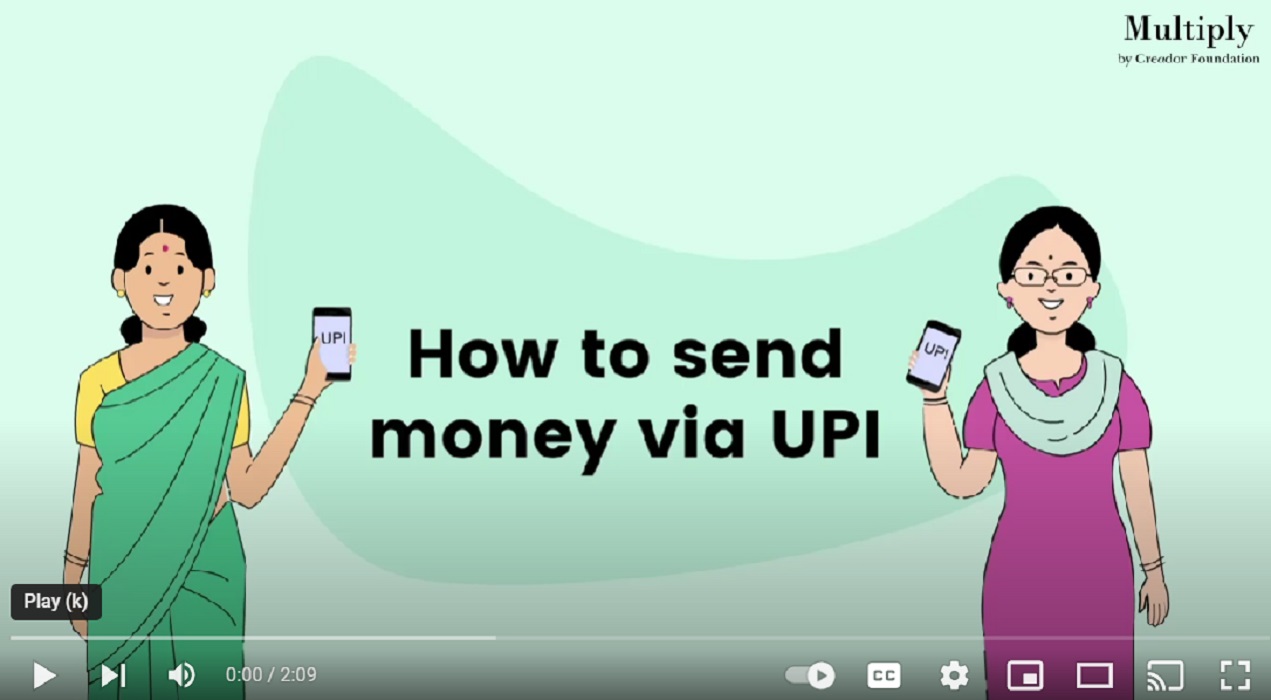
Open the BHIM UPI app
Input your password to open the app
Open right corner of the screen – click on send money
Click on contact
Allow permission to access contacts
Choose the contact you want to transfer money to
Recheck the name of the person, add amount you want to transfer, add remark that is why you sending money
Click on Confirm
Recheck the details again and click on send
Enter your 6 digit UPI PIN and money will be send once authenticated using OTP.
Open the BHIM UPI app
Input your password to open the app
Open right corner of the screen – click on send money
Click on AC/IFSC
Choose bank from the list
Add IFSC code, beneficiary name, account number twice. (as the payee to share these details with you) and click confirm
Add amount you want to send, check details, add remark of why you sending money and click on confirm
Re-confirm details and click on send
Enter your 6 digit UPI pin and money will be sent after authenticating by OTP.
Log in to your UPI account on BHIM/PhonePe app
Select the‘ Request a payment’ option
Enter the virtual ID of the person you want to request money from or choose from contacts
Enter the amount you would like to request
The screen will display a confirmation message. Select “Confirm” to accept the details you had entered in the previous steps are correct
The payer whose details were entered will receive a message on their phone
The payer accepts or denies your payment request on their phone screen
When the payer accepts your request, they will enter their UPI PIN on their phone and complete the transaction
Quiz
Let us do this activity to see if you have learnt how to use UPI